
Start Speaking
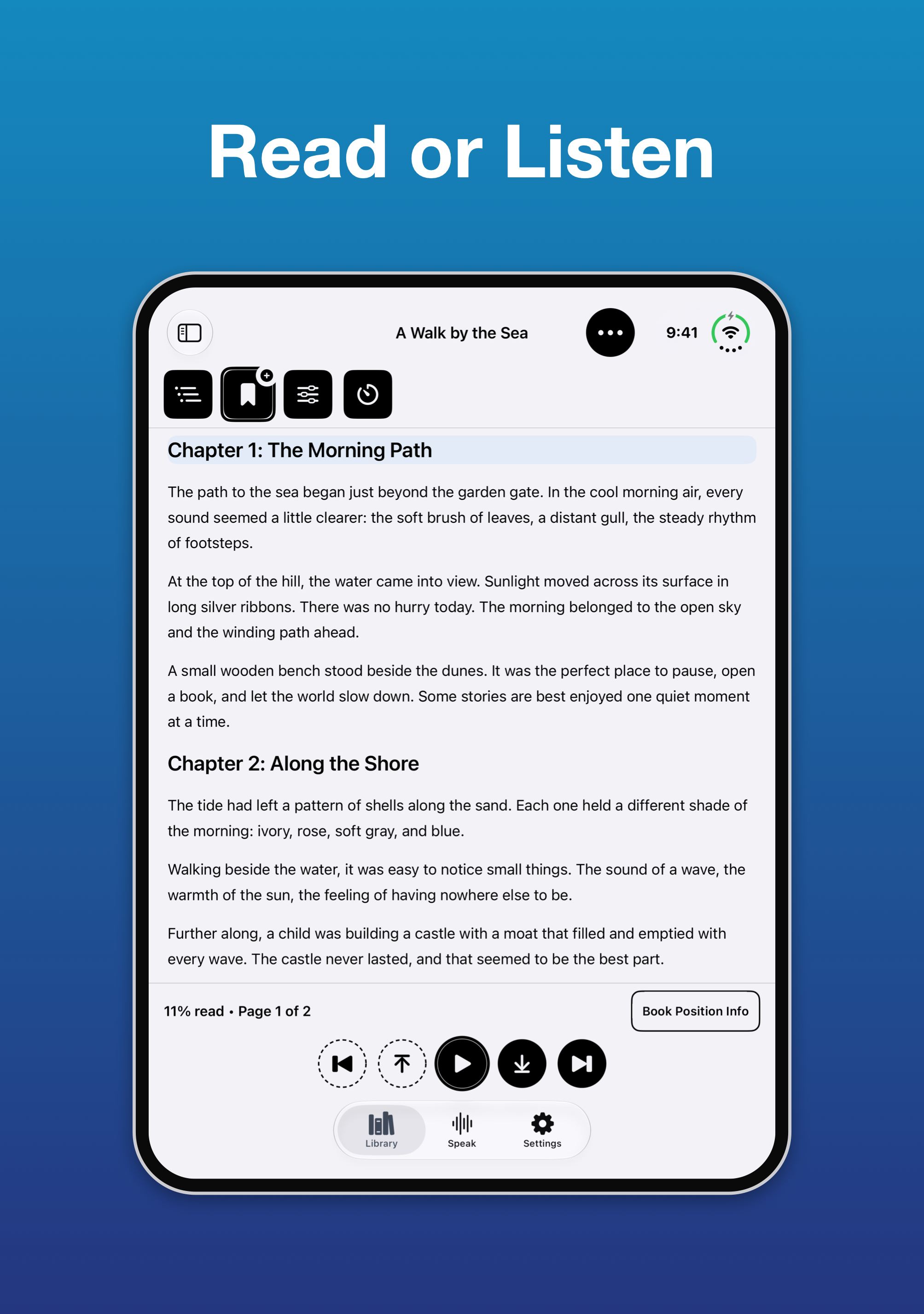
Read books and supported documents with clear, flexible speech and an accessible reader built for everyone. Now available on iPhone Duo!
See It in Action
What's New
Version 1.1 · November 9, 2026
Welcome to Start Speaking 1.1 iPhone Duo: Start Speaking now works on iPhone Duo. Your book stays open, exactly where you left it, when you open or close the phone. Open, your bookshelf sits beside your book; closed, the Library, Speak and Settings tabs stay with you inside a book. Highlights and notes: highlight a paragraph in one of five named colors, add a note by typing or dictating, and hear your notes read aloud in their own voice. Bookmarks, notes and highlights all live together in Saved Places, which you can search, filter and export. On-Device AI voices: 21 natural English voices that run on your iPhone or iPad, with no account and no cost per book. Books you've heard play straight away next time. Add web pages from Safari: a new Safari extension adds the page you're reading, or just the text you select, keeping its headings, lists and tables and leaving out menus and adverts. Sleep Timer: stop reading after 5 minutes to two hours, with a bookmark saved where you really stopped. More of your files: Markdown, rich text folders and text bundles can now be added, and EPUB, DAISY, PDF, Word, PowerPoint and Excel books read more accurately, including scanned PDFs and printed page numbers. Listening: keep music playing under your book, control it with headphones and the Lock Screen, and pick up where you left off after a call. The Speak tab now has one large Play and Pause button. Also new: a cleaner reader with a one-line progress bar, easier to see buttons in every theme, better support for the largest text sizes, more dependable iCloud sync, and an expanded Start Speaking Guide. Open What's New in your library for the full list.
Features
Read and Listen
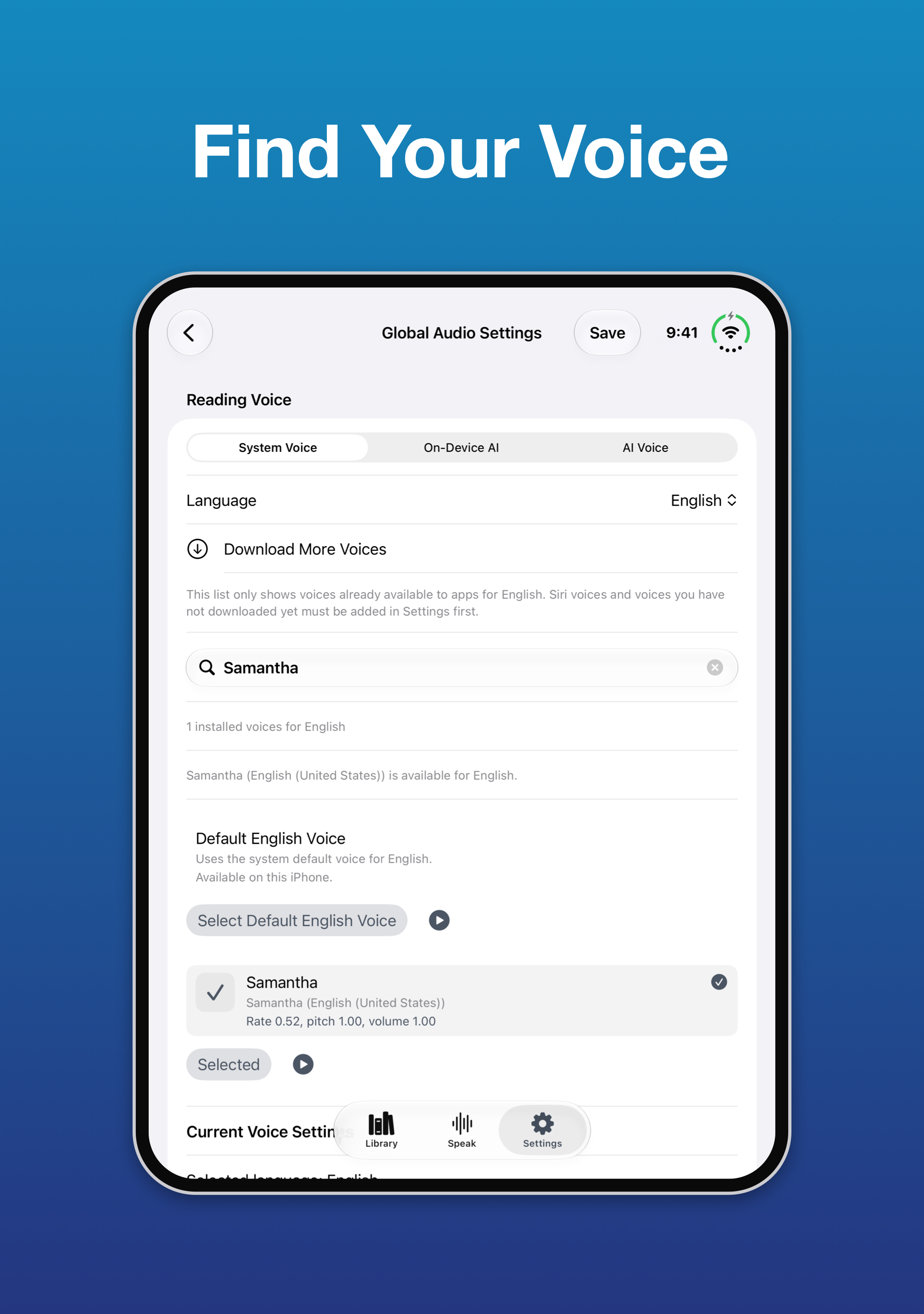
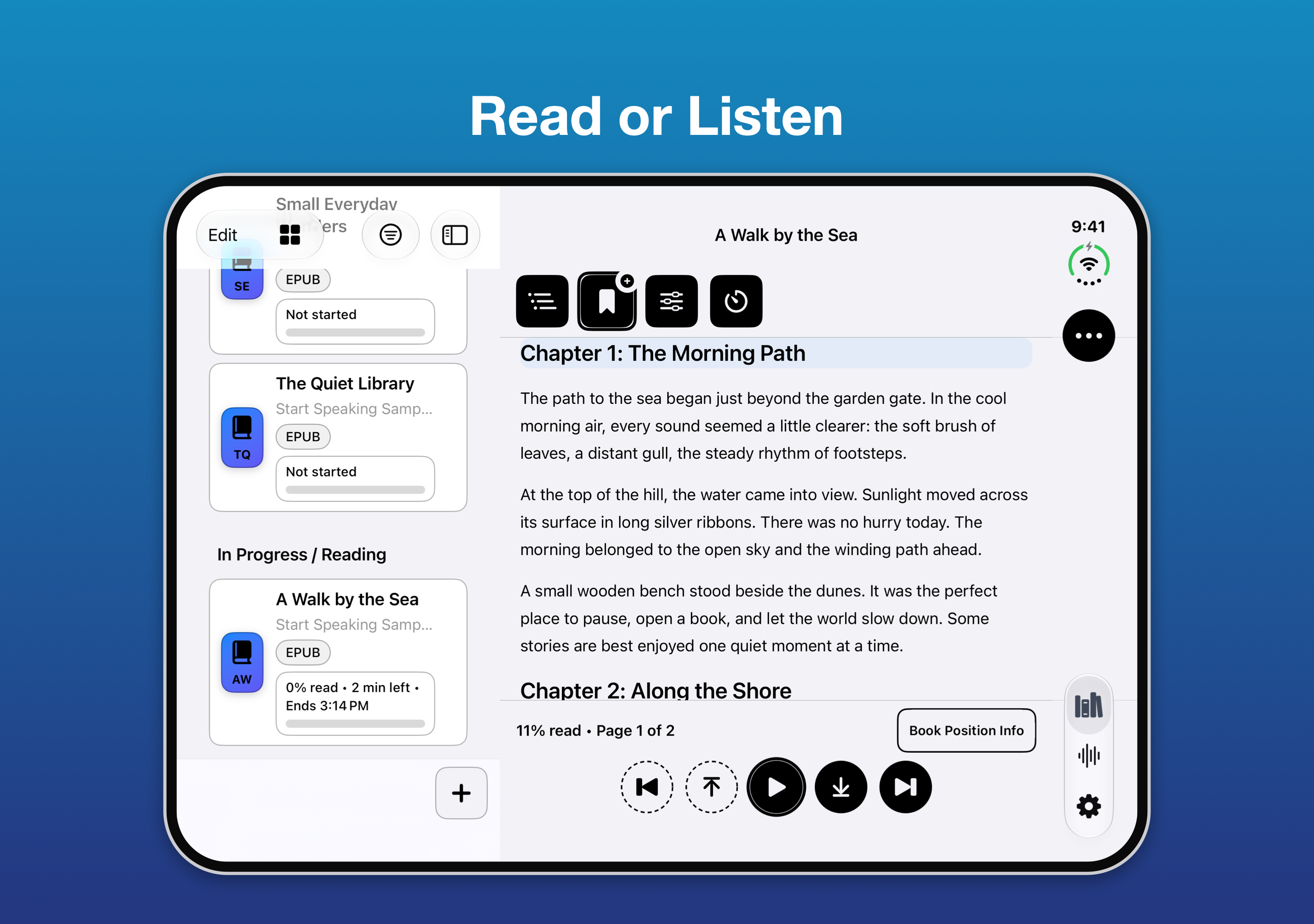
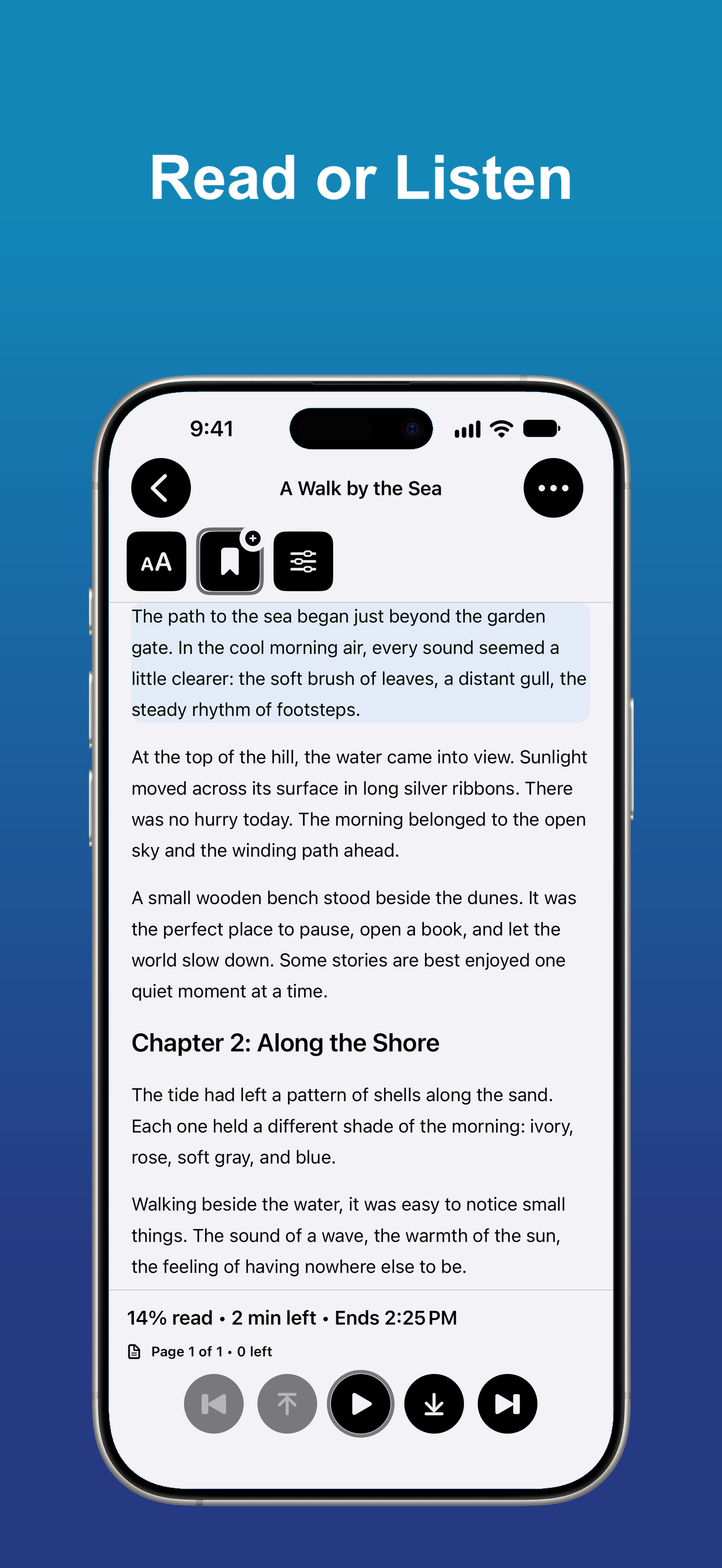
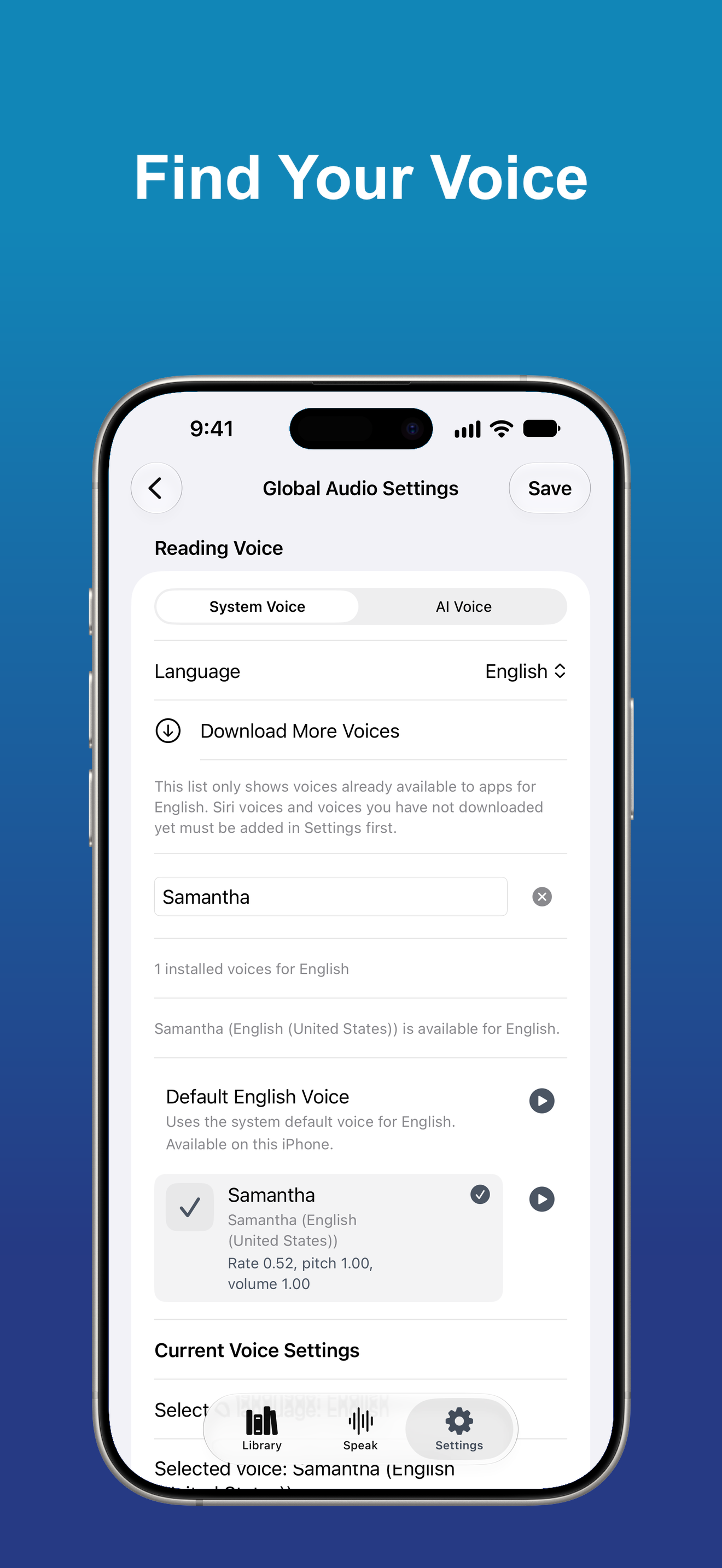
Read visually or listen with Apple system voices. Optional cloud AI voices from supported providers are available with your own provider account.
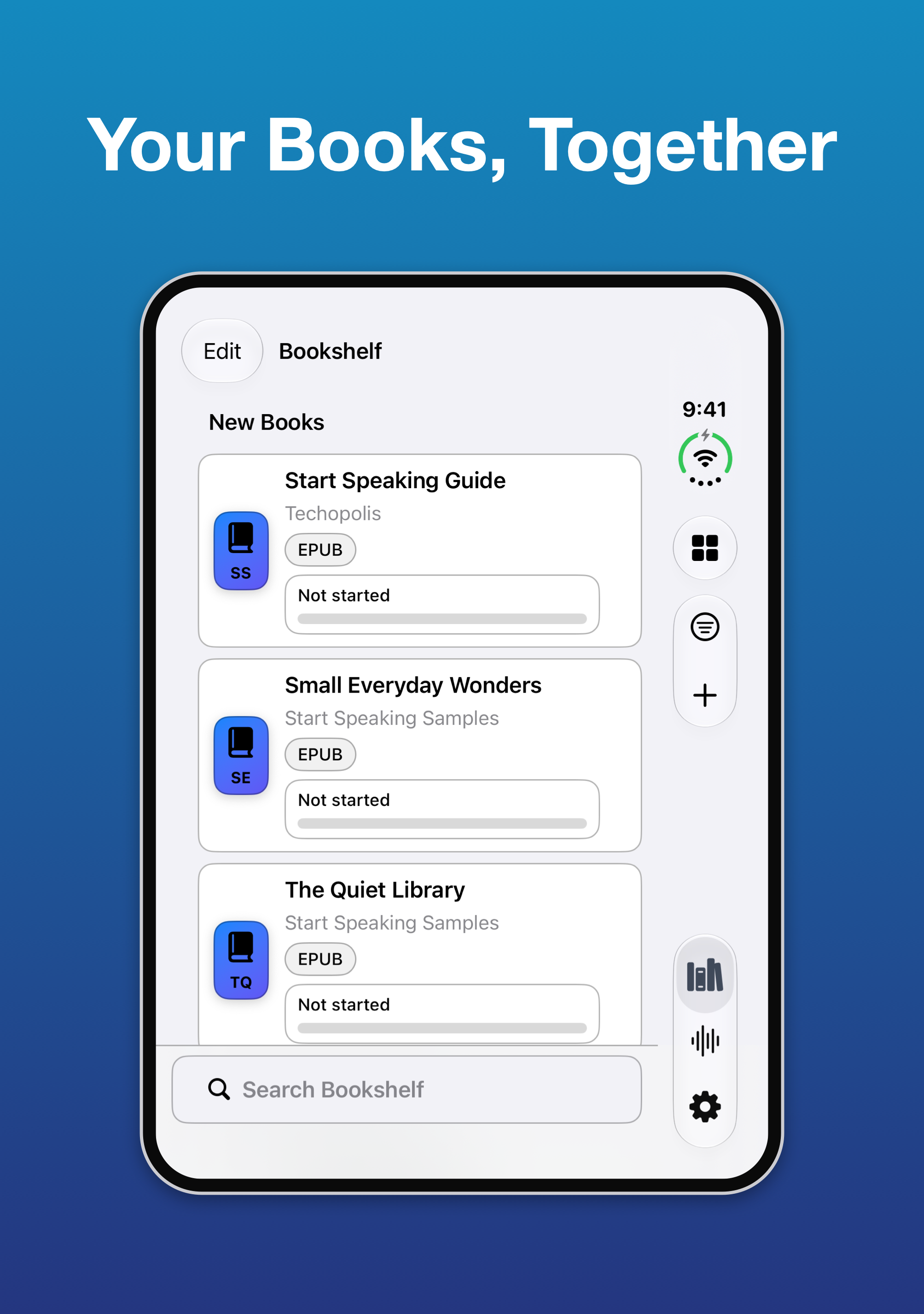
Your Library, Organized
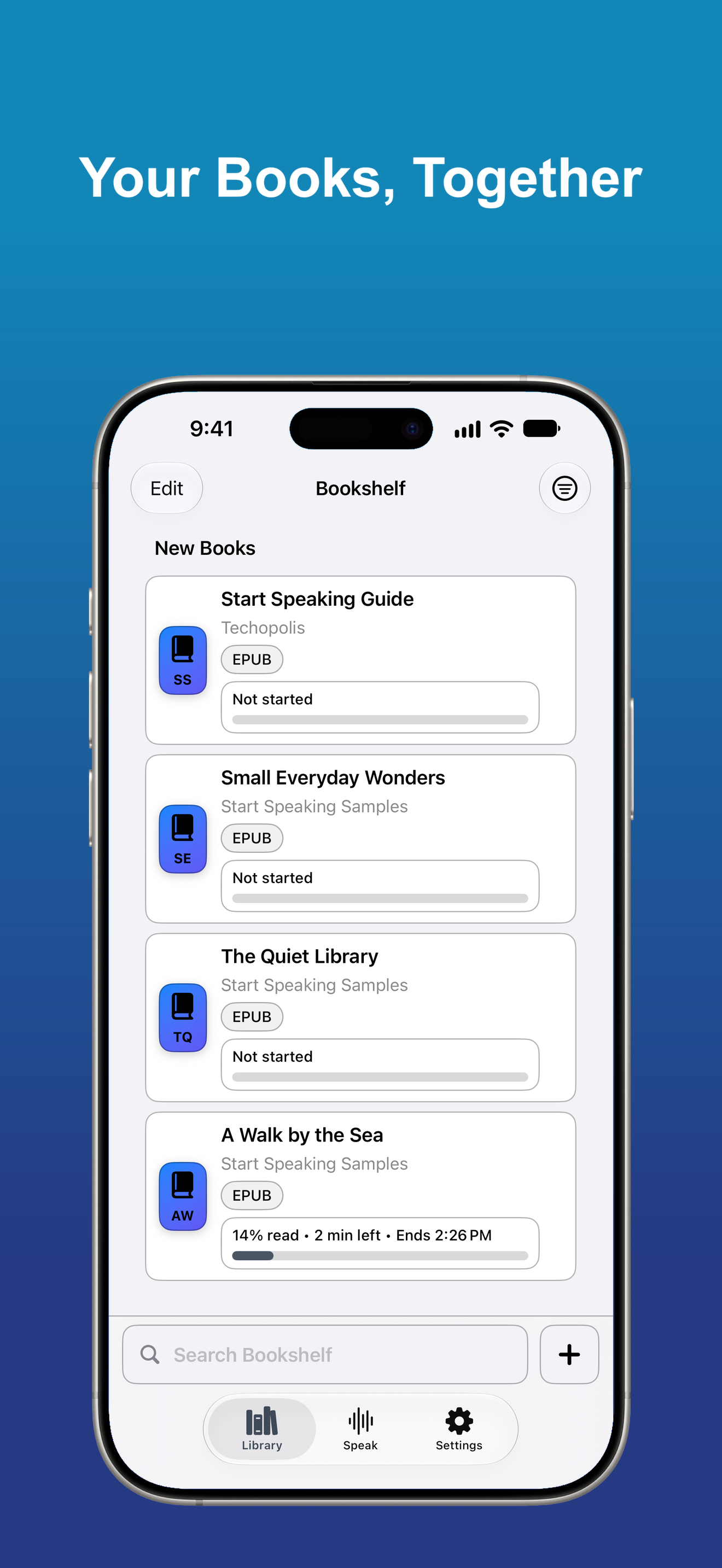
Keep books together in bookshelves, search your library, save bookmarks, and return to your place.
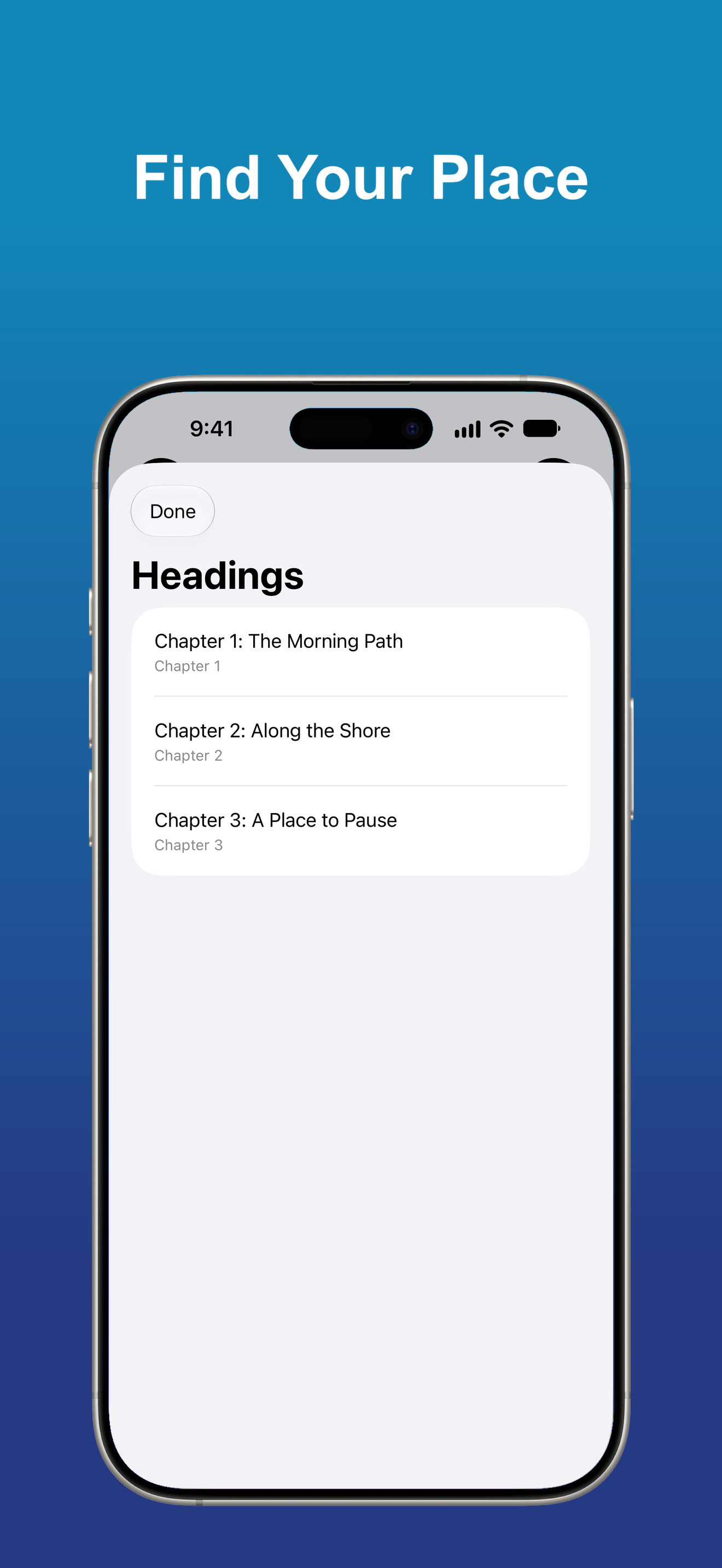
Find Your Place
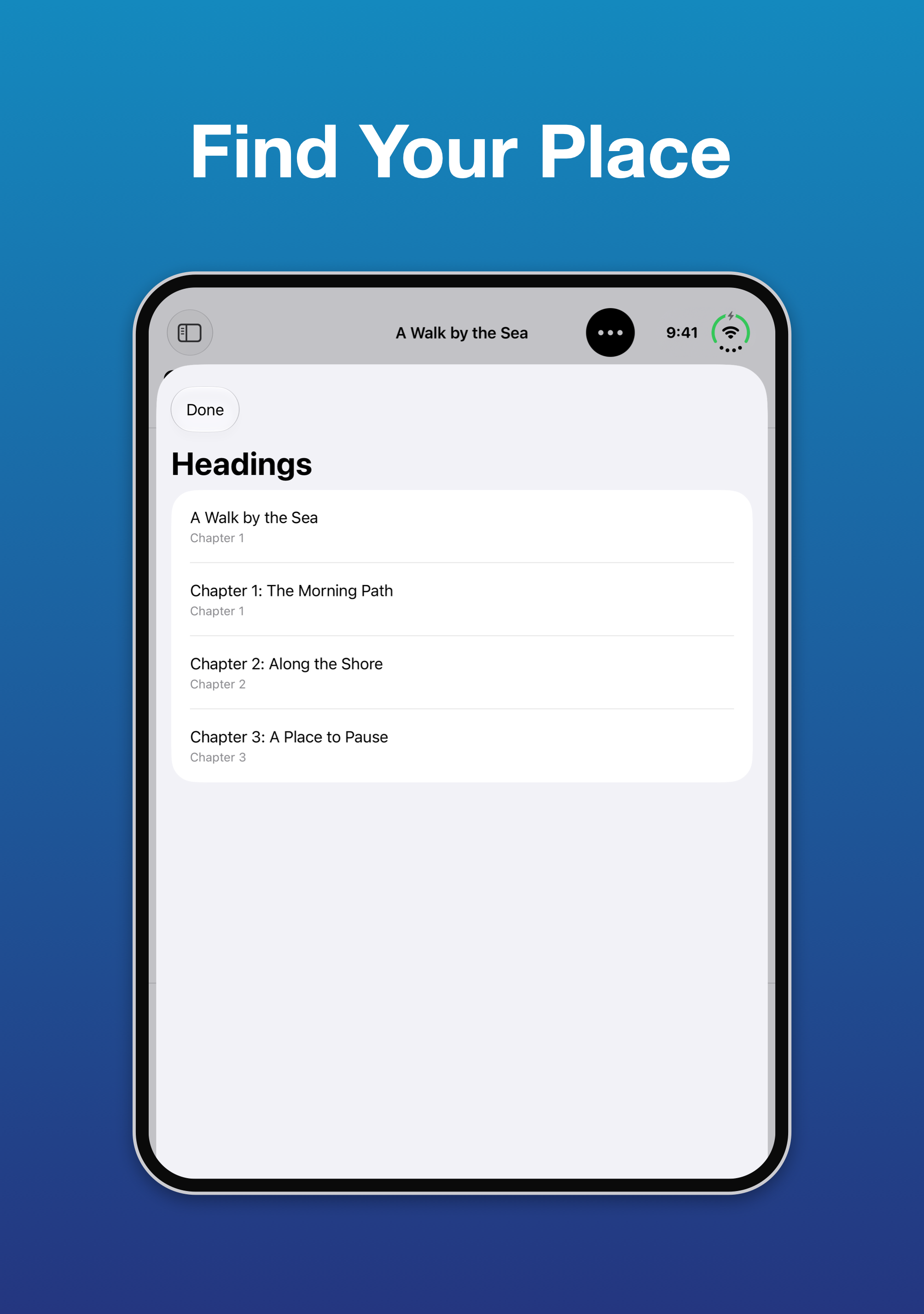
Use Headings, Contents, Search, and Go to Page to move through long books and documents.
Make Reading Comfortable
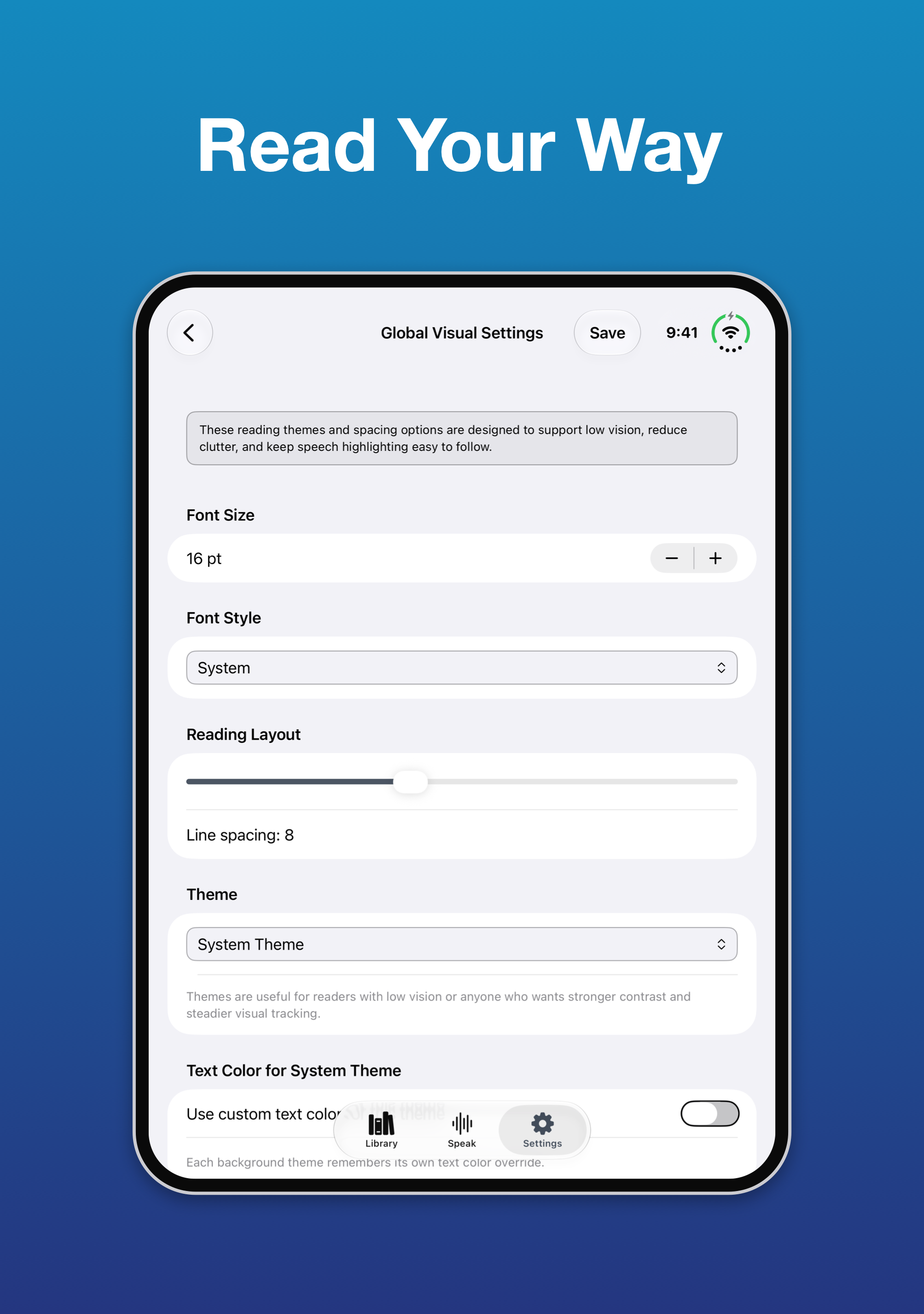
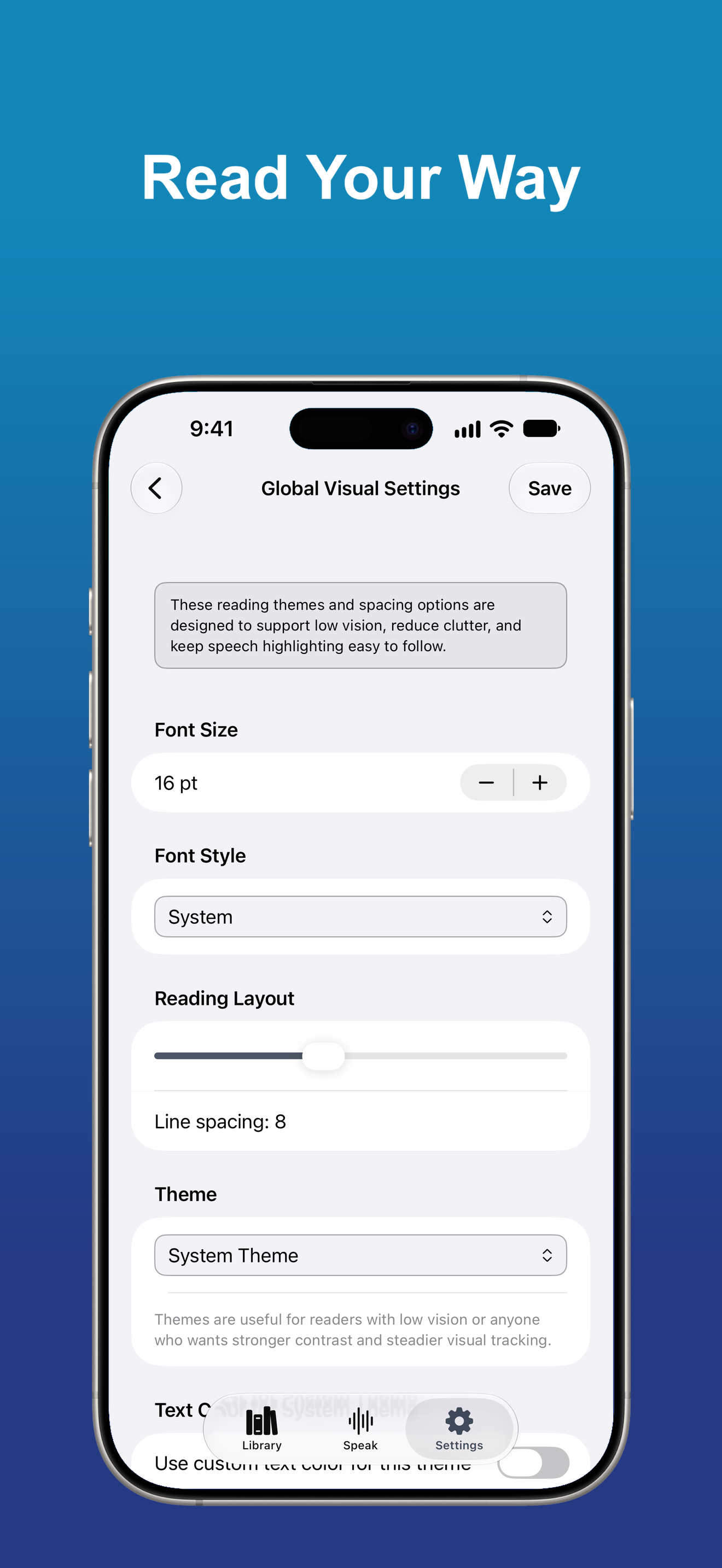
Choose themes, colors, font size, and reader layout. Typoscope modes and speech highlighting help you keep your focus on the text.
Books and Documents
Open supported EPUB, DAISY, Word, PDF, plain-text, rich-text, audiobook, spreadsheet, presentation, and other compatible document formats.
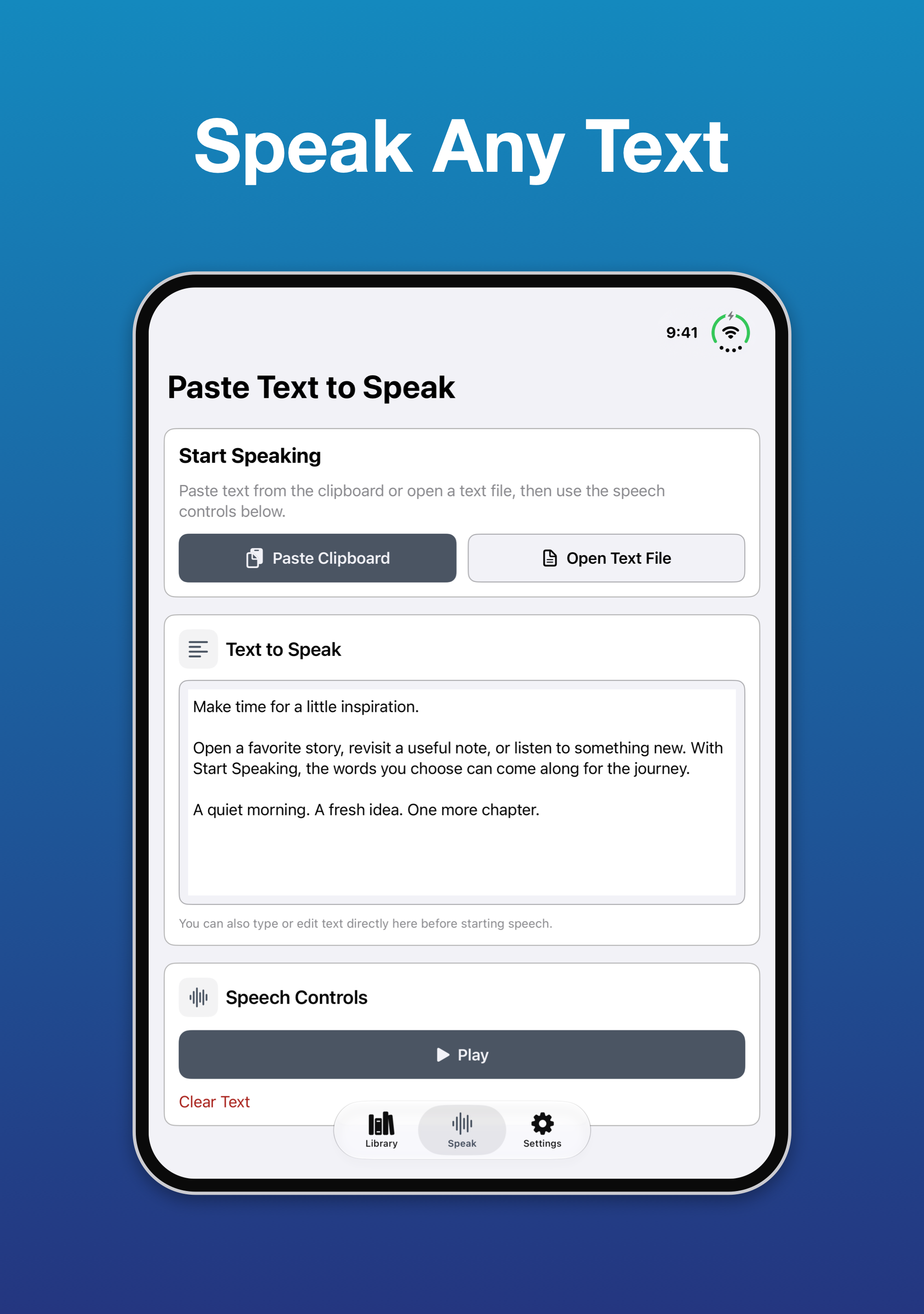
Paste Text to Speak
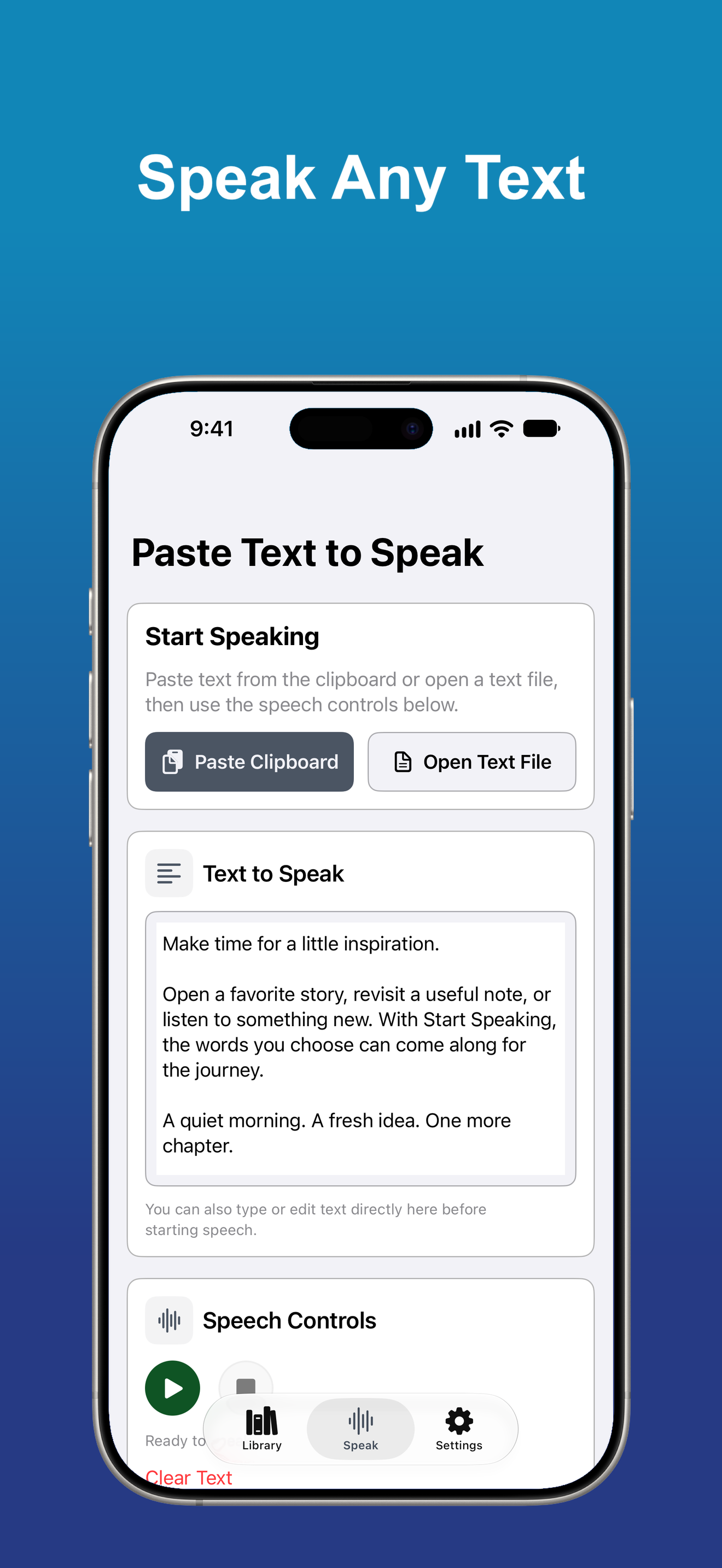
Paste text from the clipboard or open a text file when you want to hear it right away.
Made to Fit Your Needs
Start Speaking supports VoiceOver, Dynamic Type, clear controls, and flexible visual settings.
All Access Features
Excel Workbooks
Open workbooks with a Workbook Overview and switch between Table view and Document view.
PowerPoint Presentations
Read slides, text, images, tables, diagrams, and charts. Choose whether to include speaker notes and reviewer comments.